
Product Categories

Recently Viewed

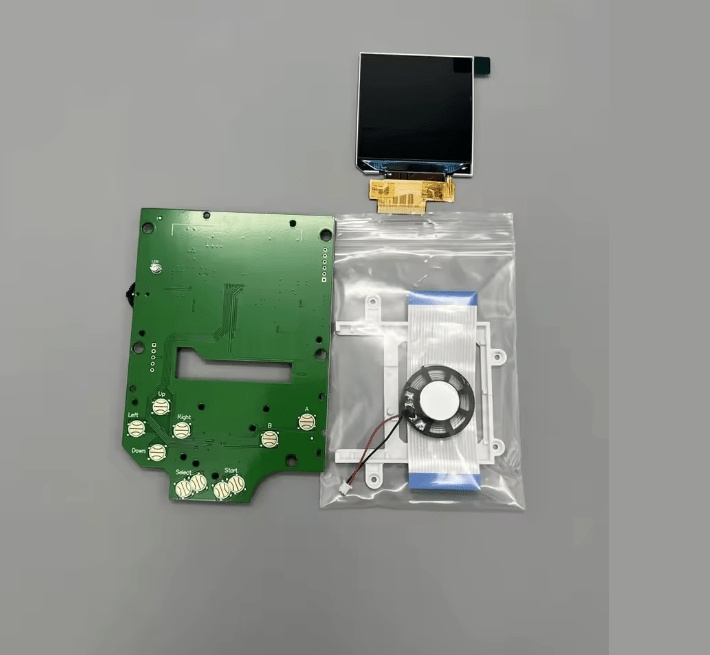
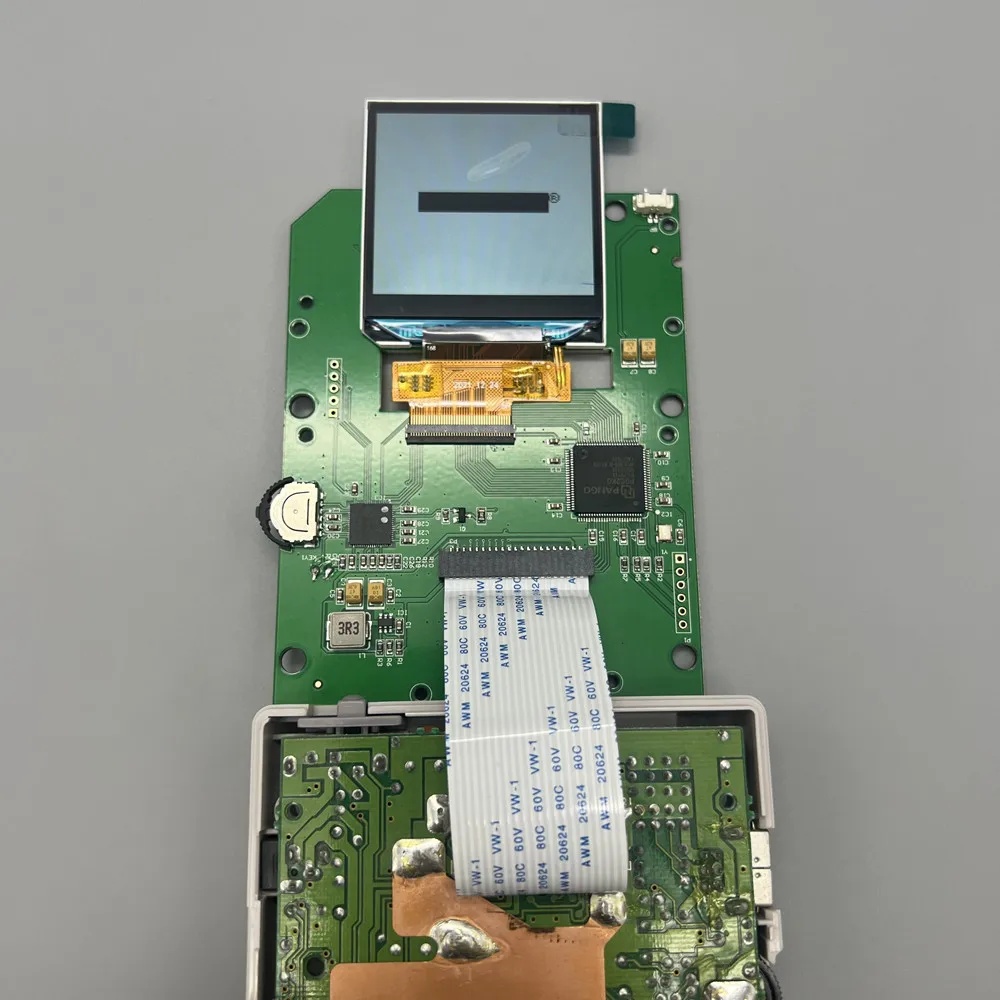
Game Boy Classic LCD Screen with IPS Backlight V4.0 (2.45-inch) (Nintendo Game Boy)
Code: 59504
Category: Nintendo Game Boy / Advance Repair parts
Let us notify you when this product is back in stock!
Product warranty: 3 months

Availability: Out of stock, available on order
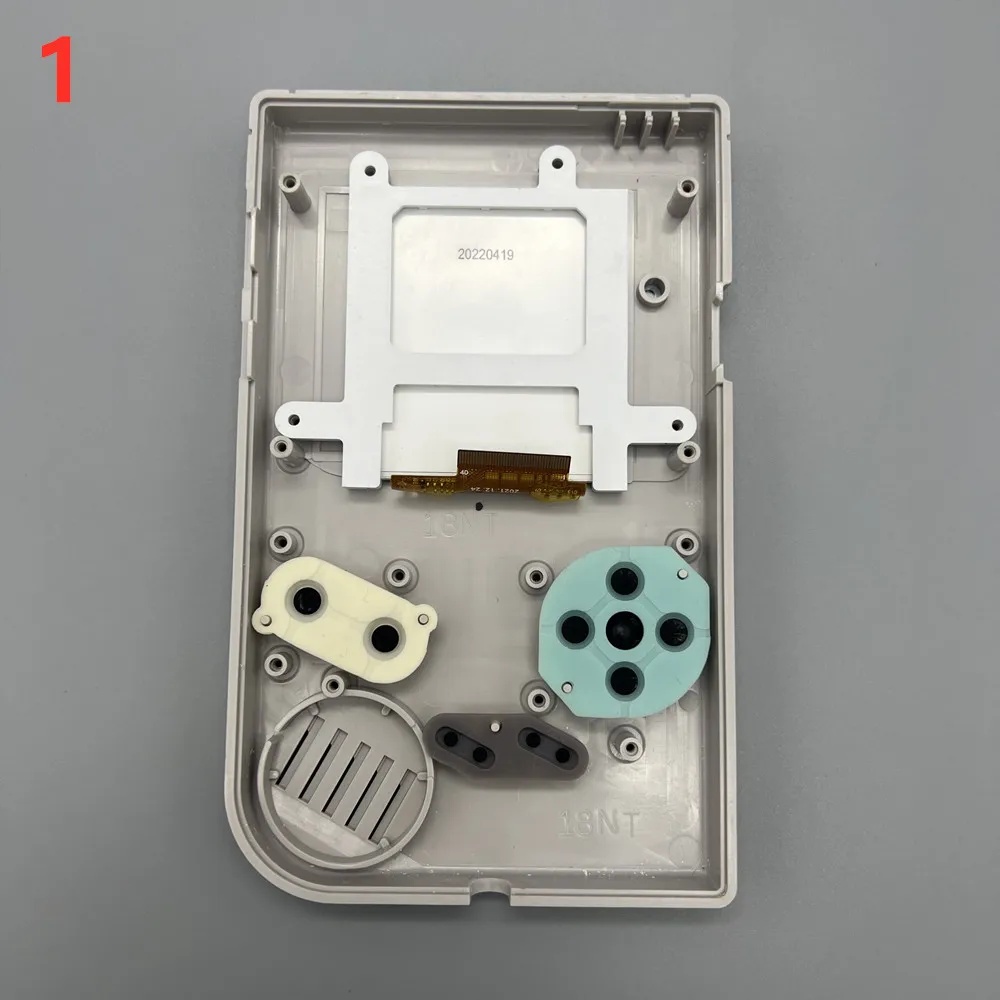
2.45 inch TFT screen, Original size plug and play, no need to cut shell.
Support for custom colors.
Support Chinese and English system menus.
An accurate battery level prompt bar can be displayed above the LCD screen. The disadvantage is that the original power light cannot dim when the battery is low.
Support pixel display.
Support to save 7 customized colors.
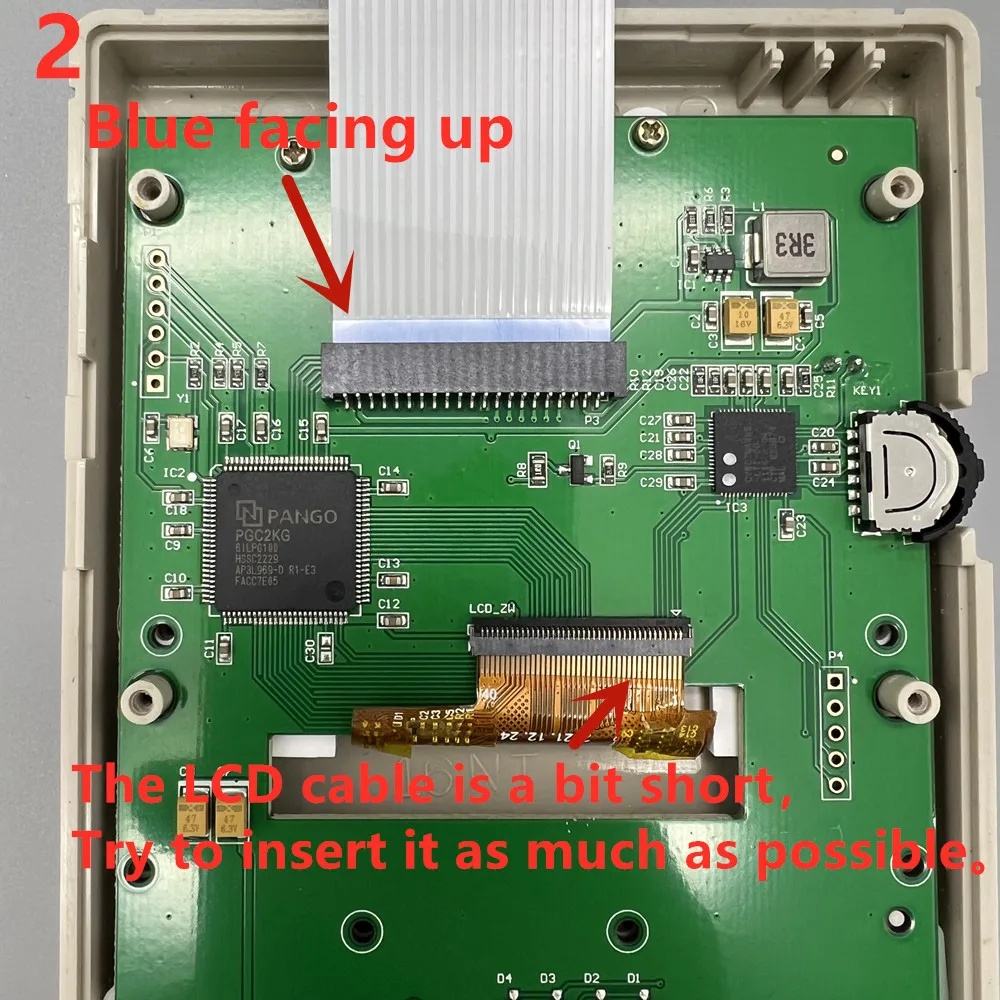
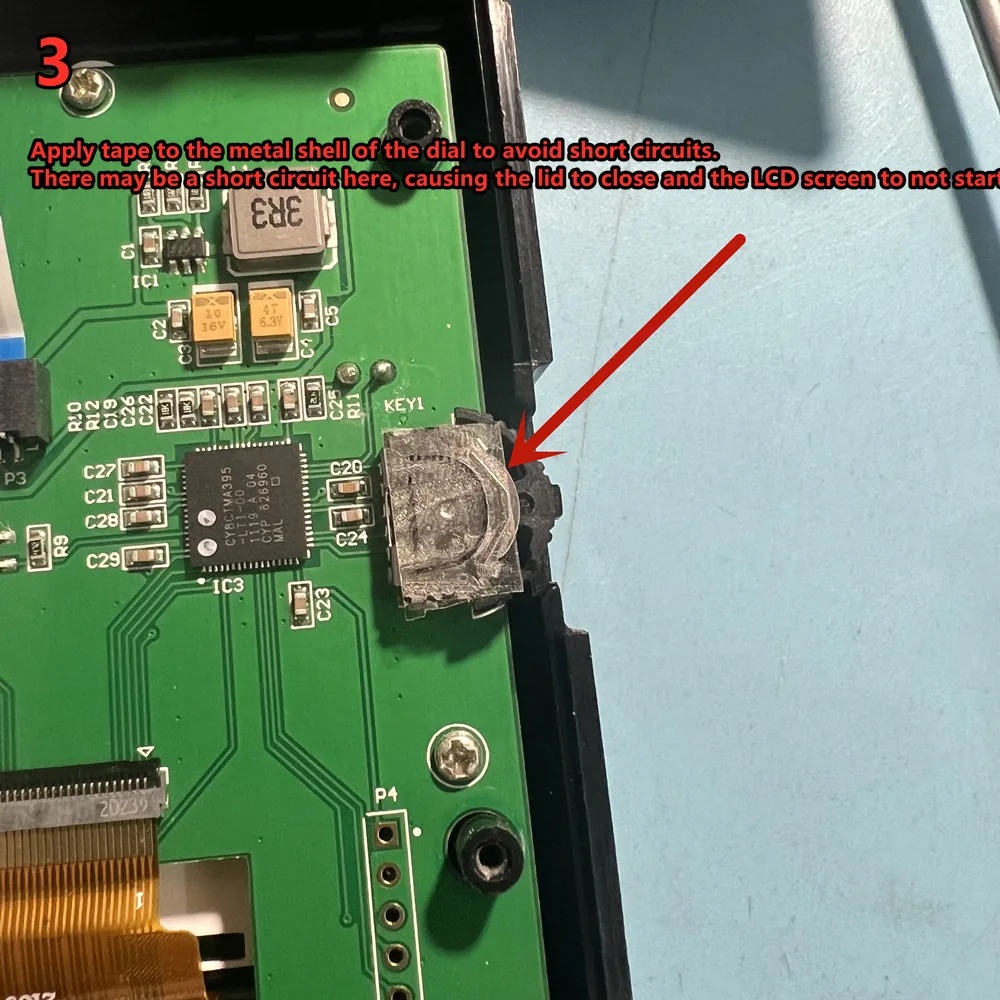
Function introduction of LCD adjustment dial:
Press it vertically for 1 second, and the top of the LCD screen displays the power bar.
If the battery bar is not displayed after pressing, it indicates low battery.
Press vertically for 3 seconds to pop up the saved color settings, move up and down to select, and press vertically to confirm.
Press vertically for more than 5 seconds until the custom menu pops up. Move up and down to select, and press vertically to confirm.
Toggle up or down to adjust the LCD brightness.100 level brightness adjustment, with mild brightness change. Long press, the backlight will change significantly.
Toggle the switch upward and turn on the power switch. Factory settings can be restored.
Palette:
Game color 0 is the background color, game colors 1 and 2 are the main colors of the pattern, and game color 3 is the font color and image stroke.
0 recommended setting R63 G63 B63, 3 recommended setting R0 G0 B0.
Example:
0 R63 G63 B63
1 R47 G47 B47
2 R31 G31 B31
3 R0 G0 B0
The red power light cannot dim when the battery is low.
Support for custom colors.
Support Chinese and English system menus.
An accurate battery level prompt bar can be displayed above the LCD screen. The disadvantage is that the original power light cannot dim when the battery is low.
Support pixel display.
Support to save 7 customized colors.
Function introduction of LCD adjustment dial:
Press it vertically for 1 second, and the top of the LCD screen displays the power bar.
If the battery bar is not displayed after pressing, it indicates low battery.
Press vertically for 3 seconds to pop up the saved color settings, move up and down to select, and press vertically to confirm.
Press vertically for more than 5 seconds until the custom menu pops up. Move up and down to select, and press vertically to confirm.
Toggle up or down to adjust the LCD brightness.100 level brightness adjustment, with mild brightness change. Long press, the backlight will change significantly.
Toggle the switch upward and turn on the power switch. Factory settings can be restored.
Palette:
Game color 0 is the background color, game colors 1 and 2 are the main colors of the pattern, and game color 3 is the font color and image stroke.
0 recommended setting R63 G63 B63, 3 recommended setting R0 G0 B0.
Example:
0 R63 G63 B63
1 R47 G47 B47
2 R31 G31 B31
3 R0 G0 B0
The red power light cannot dim when the battery is low.
Sorry, no reviews found for product Game Boy Classic LCD Screen with IPS Backlight V4.0 (2.45-inch) (Nintendo Game Boy). Be the first to write one.
Write your review!
Write your review!